
Moving House? Your Checklist for Getting Internet Connected
By: Riza
Last Updated: 19 Nov 2026
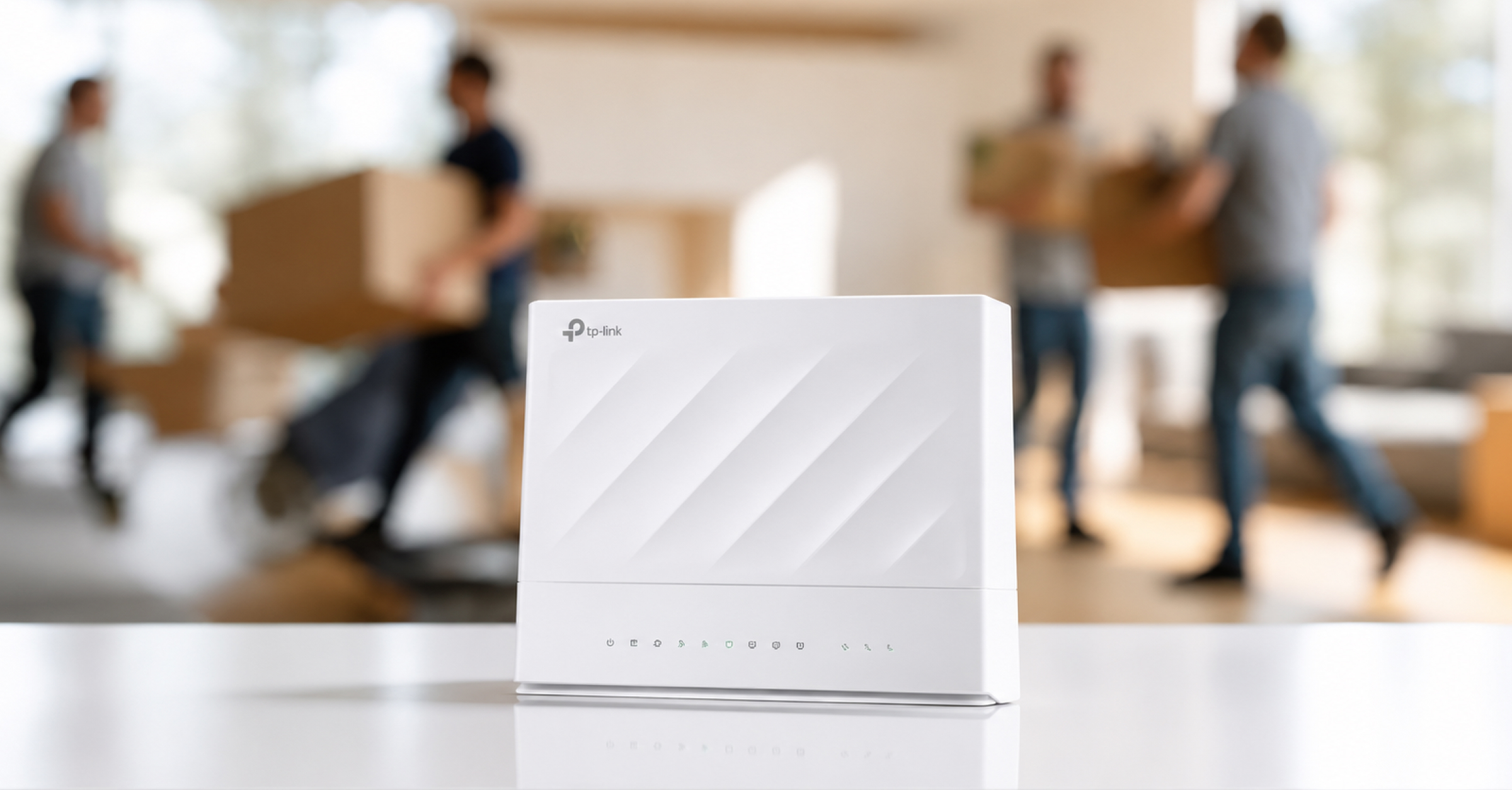
Moving house involves plenty of planning, from packing boxes and updating your address to organising utilities. Your internet connection might not be the first thing on your mind, but leaving it until moving day could mean spending your first few days without internet.
Whether you're moving into an apartment, renting a house or settling into a newly built property, it's worth organising your internet before the move. Your new home may have different connection options, equipment requirements or installation needs.
A little preparation can help you avoid unnecessary delays and get your household back online sooner. Here's what to consider when arranging internet for your new home.
1. Check Internet Availability at Your New Address
Before choosing an internet plan, find out which connection types are available at your new property. Availability can vary between homes, even within the same suburb.
Start with these checks:
Check nbn® availability
Visit the official nbn® address checker and enter your new address to see if nbn® is available, which technology serves your property and whether it's ready for connection or needs additional installation work.
Check 4G and 5G coverage
If you're considering wireless broadband, check whether 4G or 5G Home Wireless is available at your new location. Yomojo offers 4G and 5G Home Wireless Internet, with availability depending on network coverage.
This may suit renters, people moving temporarily or households that prefer an internet service without a traditional fixed-line connection.
Ask about the property's existing connection
If the property has previously had internet, ask the landlord, real estate agent or previous occupant about the existing setup.
Find out whether a nbn® connection box is installed and whether the property has had an active internet service. This information can help you understand what may be needed before placing an order.
Tip:
Enter your complete address, including the unit or apartment number, when checking availability. If a newly built property doesn’t appear in the checker, contact your internet provider for assistance.
2. Choose the Right Internet Connection for Your New Home
Your previous internet plan might not be the best option for your new home. You could be moving from a small apartment into a larger family home or relocating somewhere with different network options.
Two common options to consider are nbn® and Home Wireless Internet.
Option 1: nbn® Internet
The nbn® network delivers broadband services to homes across Australia using different connection technologies.
Depending on your location, your property may use:
Fibre to the Premises (FTTP): Fibre-optic cable runs directly to your property.
Fibre to the Node (FTTN): Fibre connects to a nearby street cabinet, with copper wiring completing the connection.
Fibre to the Curb (FTTC): Fibre runs close to your property, with copper wiring connecting the final section.
Fibre to the Building (FTTB): Fibre connects to an apartment building before existing wiring serves individual units.
Hybrid Fibre Coaxial (HFC): Uses fibre and existing coaxial cable to deliver broadband.
Fixed Wireless: Uses radio signals from a nbn® transmission tower to an outdoor antenna at your property.
Each technology has different installation requirements and speed capabilities.
If your new home already has an nbn® connection, getting connected may be relatively straightforward. However, you'll still need to confirm that your chosen provider can service the address and that your equipment is compatible.
For more information, read our guide to nbn® internet plans.
Option 2: 4G and 5G Home Wireless Internet
Home Wireless Internet uses mobile network technology to provide an internet connection. Instead of relying on a fixed-line connection, a compatible modem receives a 4G or 5G signal and shares it with your devices through Wi-Fi.
It may be worth considering if:
You're renting and want a simpler setup.
You're moving into a temporary property.
You prefer not to arrange a fixed-line installation.
Your new address has suitable 4G or 5G coverage.
Yomojo offers 4G and 5G Home Wireless plans, with a compatible modem supplied for the service.
Explore Yomojo Home Wireless Internet to check coverage and available plans.
Which Connection Is Right for You?
Think about how your household uses the internet before choosing a plan.
A family with several people streaming, gaming, and working from home may need different speeds and data capacity from someone who mainly browses websites and watches videos.
Choosing a plan around your actual usage can help you avoid paying for features you don't need or ending up with a connection that struggles to keep up.
3. Arrange Your Internet Connection Before Moving Day
It's best to organise your new internet service before the moving boxes arrive.
Contact your chosen provider to confirm availability, activation dates and any installation requirements. The process will depend on the connection type and the existing setup at your new property.
For Yomojo nbn® services, the property must already have an active nbn® connection (Service Class 3 eligibility). Check this requirement before placing an order.
If you're choosing Home Wireless Internet, confirm coverage and allow enough time for your modem to be delivered.
Don’t assume your internet will automatically move with you. Even if you’re staying with the same provider, your new property may require a separate connection order or activation.
4. Check Your Modem and Other Equipment
Your internet plan is only part of the setup. You'll also need the right equipment for your new property.
Before packing, check which devices belong to you and which must stay behind.
For nbn® Connections
Depending on the technology, your nbn® setup may include a connection box, modem or router.
One important detail: nbn® supplied equipment must remain at the property when you move out.
This includes the nbn® connection box, its power supply and associated cables. These devices are registered to the premises and may not work at another address.
You can generally take your own compatible modem or Wi-Fi router, provided it works with the connection technology at your new home.
If you're unsure which equipment belongs to you, check with your provider before disconnecting anything.
For Home Wireless Connections
If you're using 4G or 5G Home Wireless, check that your modem is suitable for your new service and location.
For a new Yomojo Home Wireless service, a compatible modem is supplied as part of the relevant plan.
Keep the modem, power adapter and supplied cables together so they're easy to locate when you arrive.
For better coverage:
Place your router in an open, central location.
Avoid cupboards and areas behind large furniture.
Keep it away from appliances that may interfere with the signal.
Consider a mesh Wi-Fi system for larger or multi-storey homes.
5. Plan Your Internet Changeover
If you work from home, attend online meetings or rely on connected devices, losing internet access during a move can be inconvenient.
To reduce downtime, coordinate the disconnection at your old address with activation at your new one.
Use this timeline to keep things organised.
Two to Four Weeks Before Moving
Check internet availability at your new address.
Compare connection types and available plans.
Contact your chosen provider to arrange the service.
Confirm installation requirements and equipment delivery.
Notify your current provider of your moving date.
Arrange disconnection of your existing service.
If additional installation work is needed, allow extra time for technician appointments.
One Week Before Moving
Confirm your new service order and activation date.
Check your modem or router delivery.
Confirm any technician appointment.
Save your provider's contact details.
Keep your personal internet equipment and cables somewhere accessible.
Check whether security cameras, smart home devices or work equipment will need an internet connection during the move.
On Moving Day
Leave all nbn® supplied equipment at your old property.
Pack your personal modem, router and accessories.
Keep power adapters and cables together.
Make sure your new internet equipment is easy to find when unpacking.
After Moving In
Once your new service is ready, follow your provider's setup instructions.
Connect your modem or router.
Check the equipment's indicator lights.
Connect your phone, laptop and other devices to Wi-Fi.
Test your connection by browsing or streaming.
Check Wi-Fi coverage in different rooms.
If the service isn't working as expected, contact your provider for assistance.
6. What If Your New Home Doesn't Have an Internet Connection?
Not every property is ready for an immediate internet connection.
You might move into a newly built home, a property that hasn't previously had an nbn® service or an area where certain connection types aren't available.
If this happens, don't assume you can't get connected. Start by checking your address with the relevant network provider. If your property doesn't appear in the nbn® address checker, contact an internet provider to find out whether further address verification or installation work is needed.
You can also check whether 4G or 5G Home Wireless Internet is available at your location.
Keep in mind that wireless coverage, building materials and the position of your modem can affect the quality of your connection.
If you're unsure which option is suitable, ask your provider to explain the available services before signing up.
7. Don't Forget Your Other Connected Devices
Getting your home internet working is important, but don't forget about the other devices and services that rely on your connection.
When you move, you may need to update your Wi-Fi details and reconnect devices to your new network. This could include smart TVs, security cameras, smart home systems and other connected equipment.
It's also worth checking with your service provider if you use medical alarms, security monitoring or equipment that relies on a fixed-line telephone or internet connection. Some devices may not be compatible with every connection type.
Checking these requirements before moving can help prevent unexpected disruptions and ensure everything is ready to use in your new home.
The Bottom Line
Moving house involves more than packing your belongings and updating your address. Your internet connection also needs attention, especially if you want to avoid being offline while settling into your new home.
Start by checking what services are available at your new address. Then choose a suitable connection, organise your equipment and arrange your activation date before moving day.
Whether you choose nbn® or Home Wireless Internet, planning ahead can make the changeover easier and help you get back online sooner.
Moving soon? Explore Yomojo Home Wireless Internet to check 4G and 5G availability at your new address, or explore our nbn® internet guide to learn more about your connection options.
For assistance, contact the Yomojo team on 1300 966 656 or email support@yomojo.com.au.