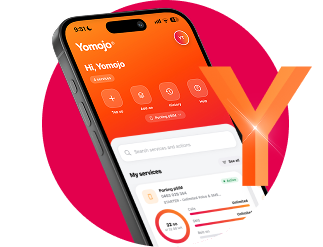
Manage your Yomojo account online
Track usage, view and pay bills, change plans and manage your services from any device at my.yomojo.com.au. A new Yomojo app is on the way.
A new platform for Yomojo
We have moved from a legacy billing platform to a next generation billing platform, built by Yomojo, which will allow us to offer new products and services. Your plan, your number, your price and your renewal date are exactly as they were. The only change is where you manage your account.
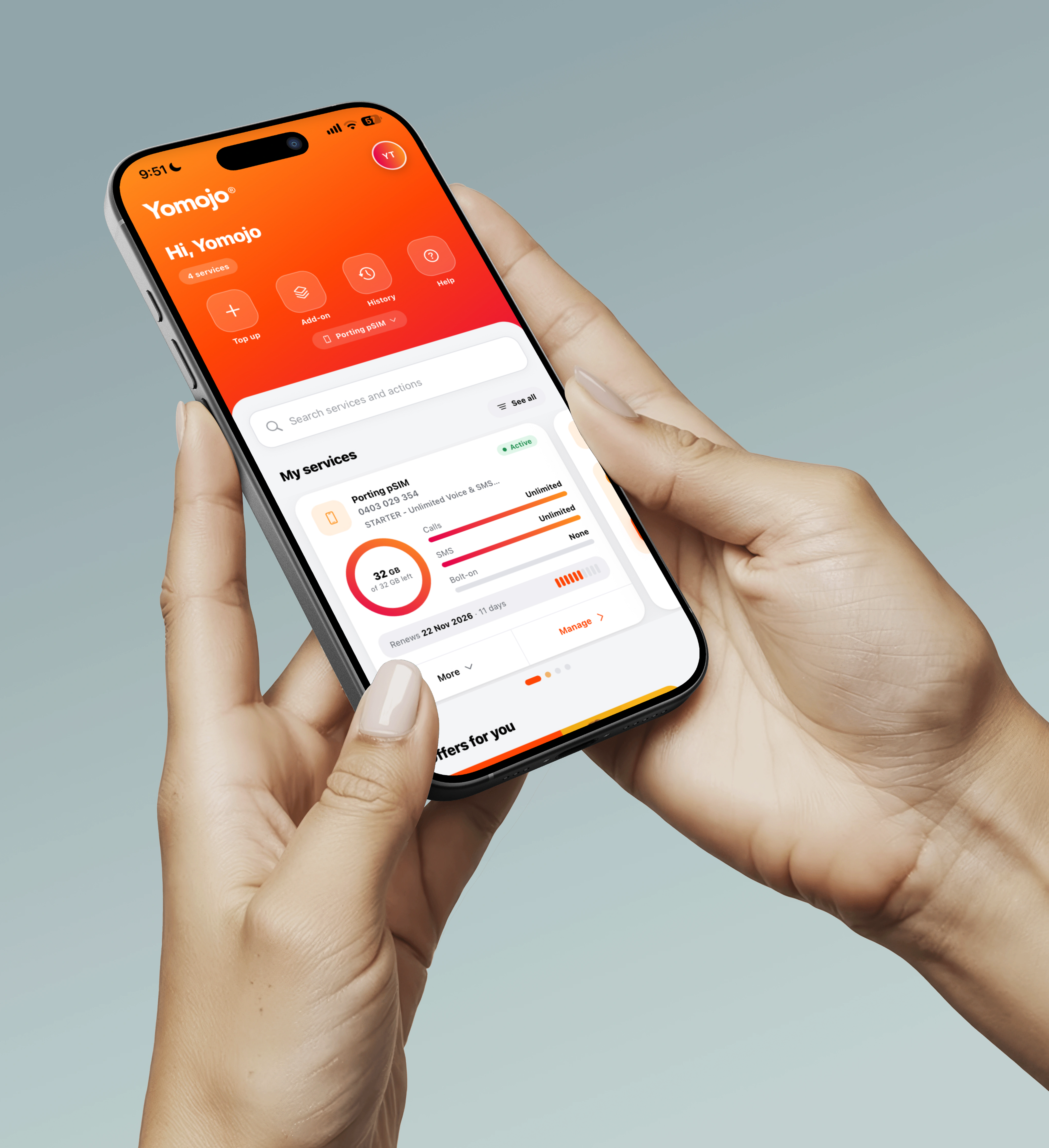
You can manage your account on the web dashboard at my.yomojo.com.au, which works in any browser on your phone, tablet or computer. You can also download the new Yomojo app, built for our new platform, from the App Store and Google Play.


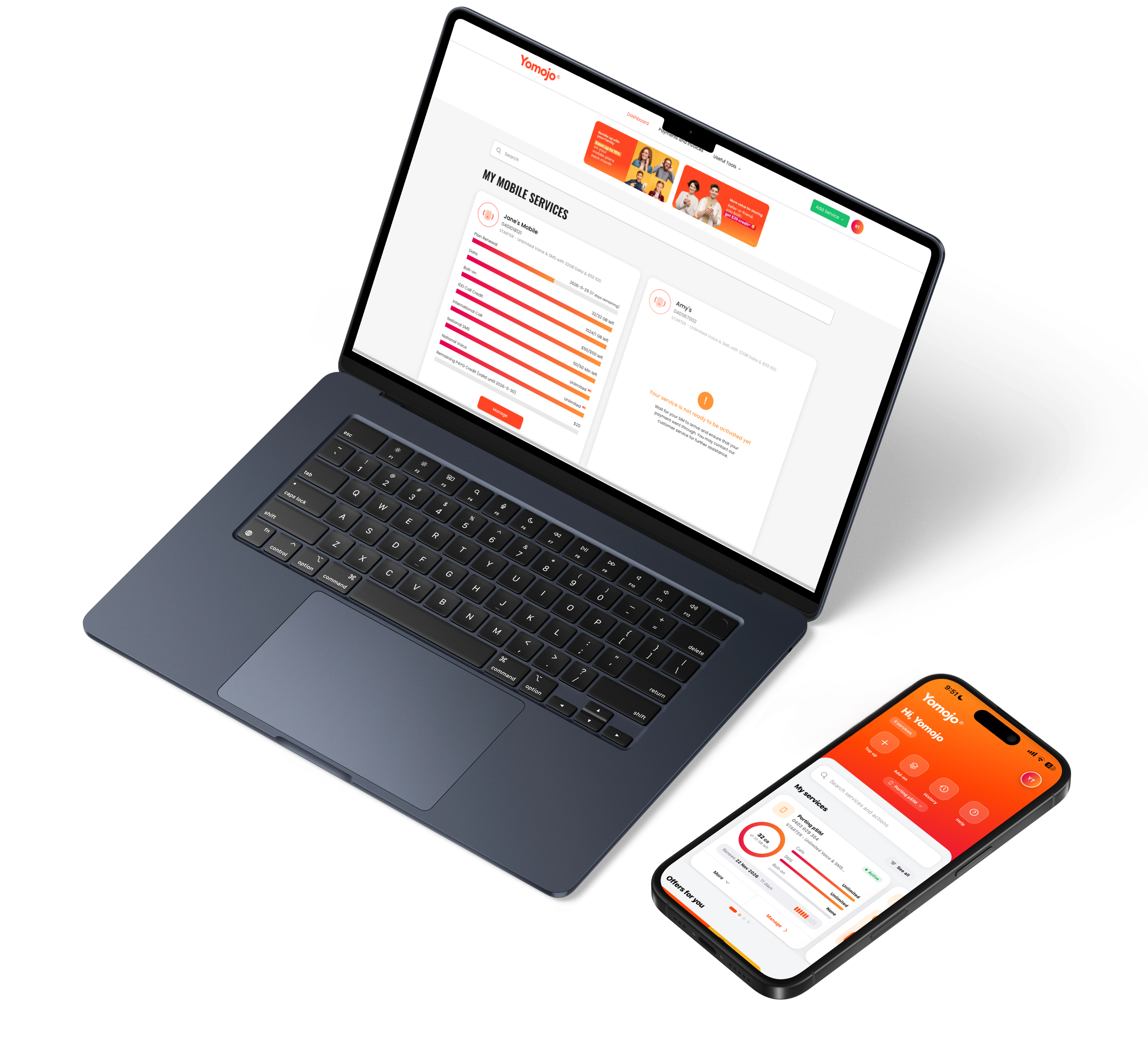
The Same Yomojo Features, Now More Powerful
The new Yomojo Dashboard and Mobile App retain the features customers already rely on while improving performance, usability, and service control.
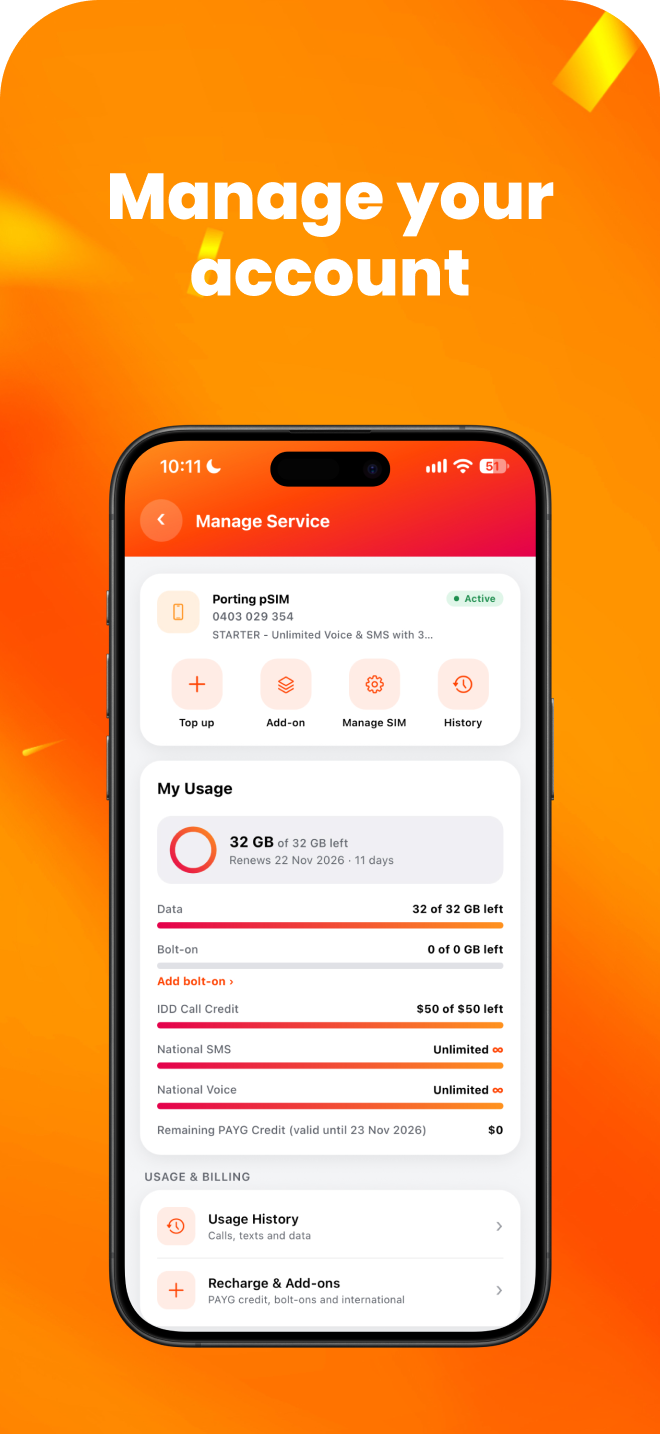
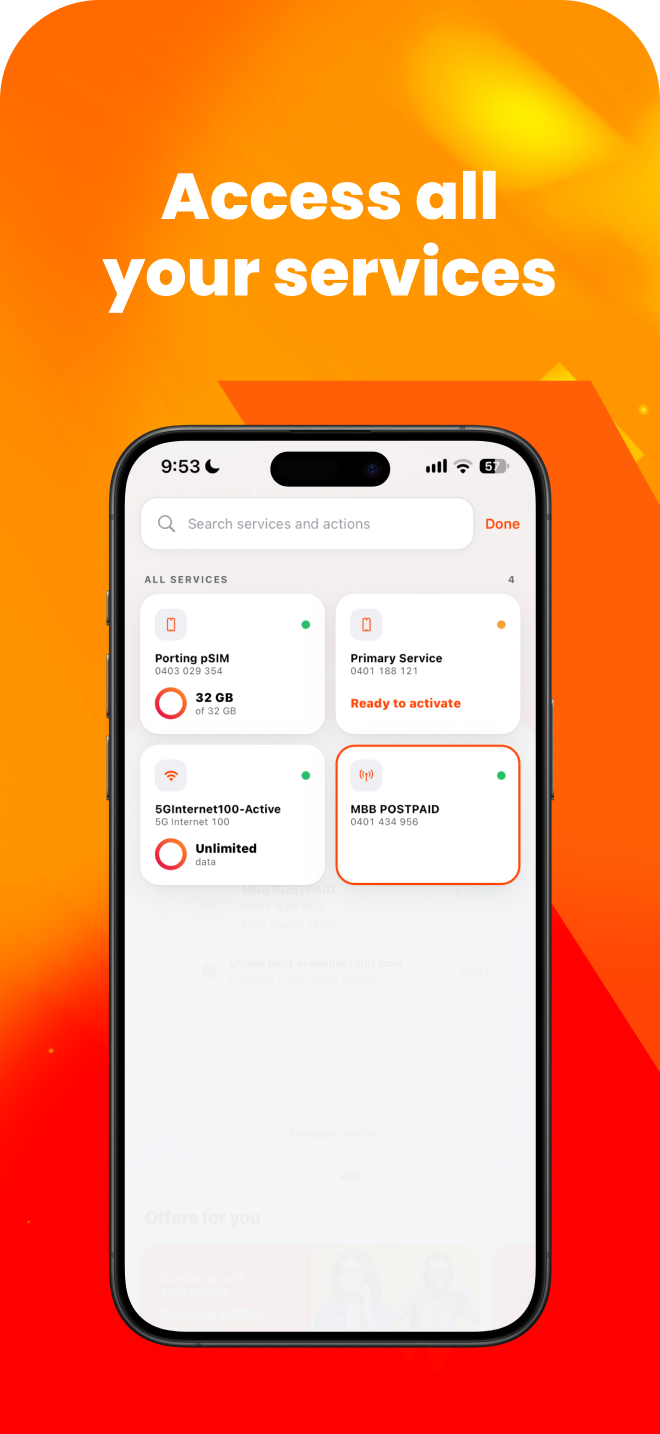
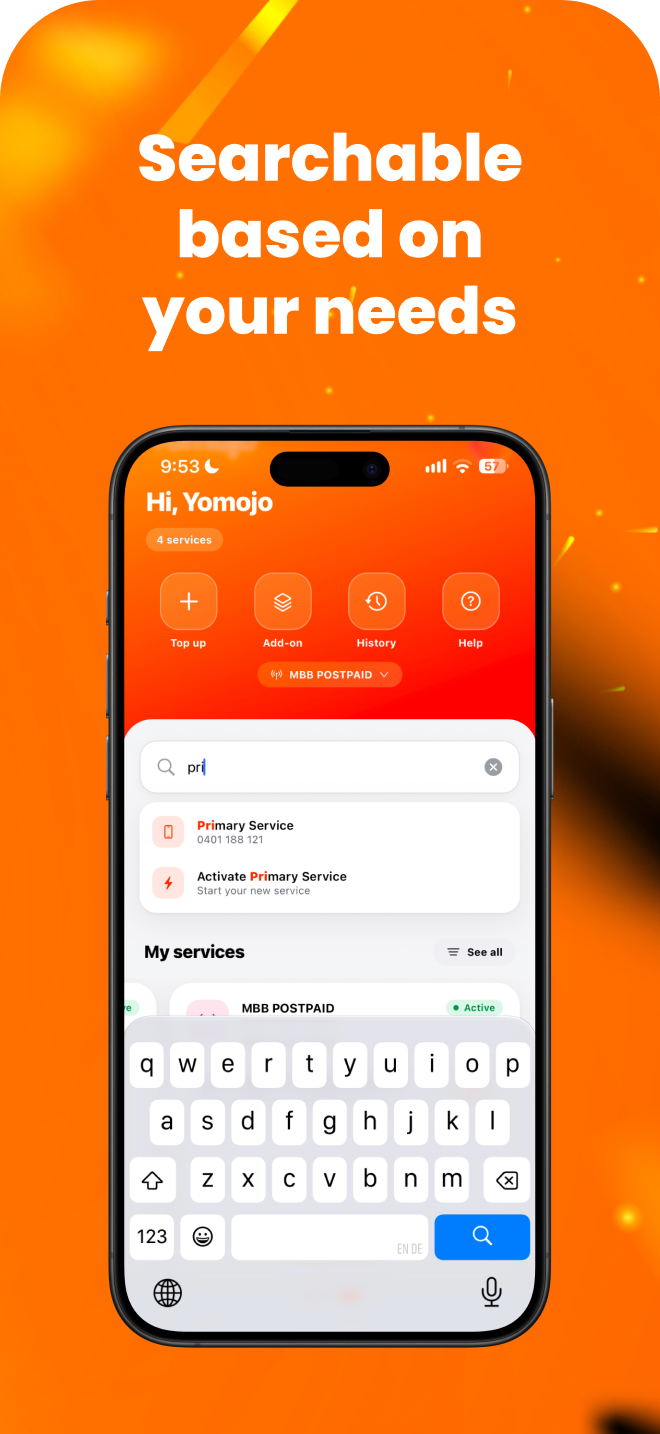
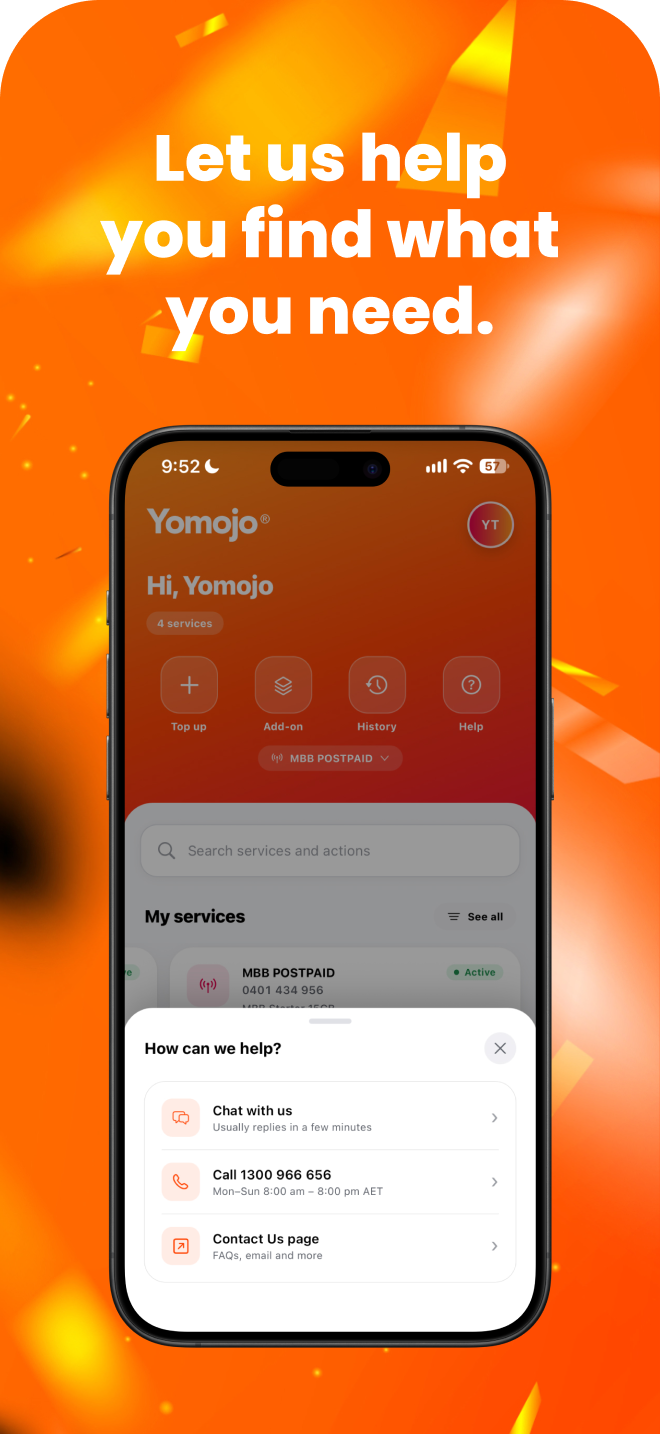
Your account moved to the new platform
Nothing for you to do. Your plan, number, price, renewal date and payment details all carried across.
Use the web dashboard
Log in at my.yomojo.com.au with the same email and password you’ve always used. Nothing to set up.
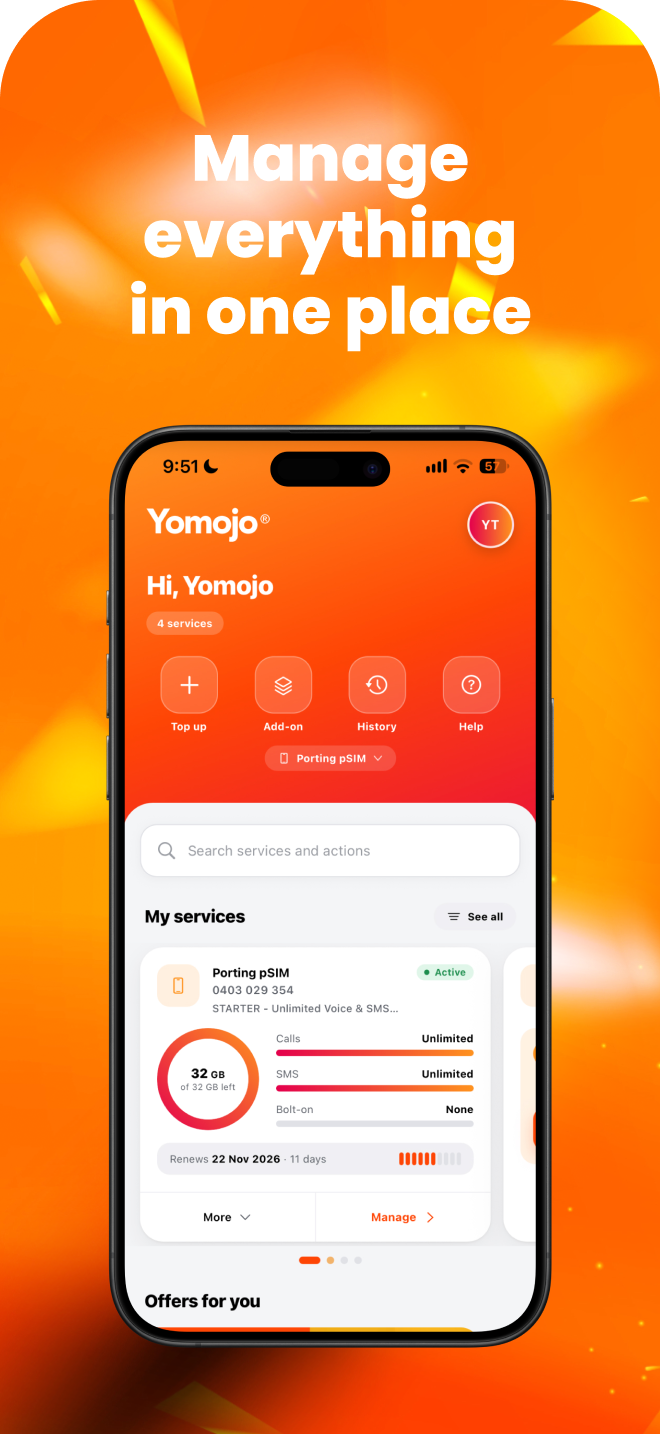
Download the new Yomojo App
The new Yomojo app is now available on the App Store and Google Play. Install it, log in, then delete the old app.
What you can do on the dashboard
Everything the app did, in your browser
Track usage
Data, calls and text usage for every service.Bills and payments
View and pay invoices, update payment details.Recharge and change plan
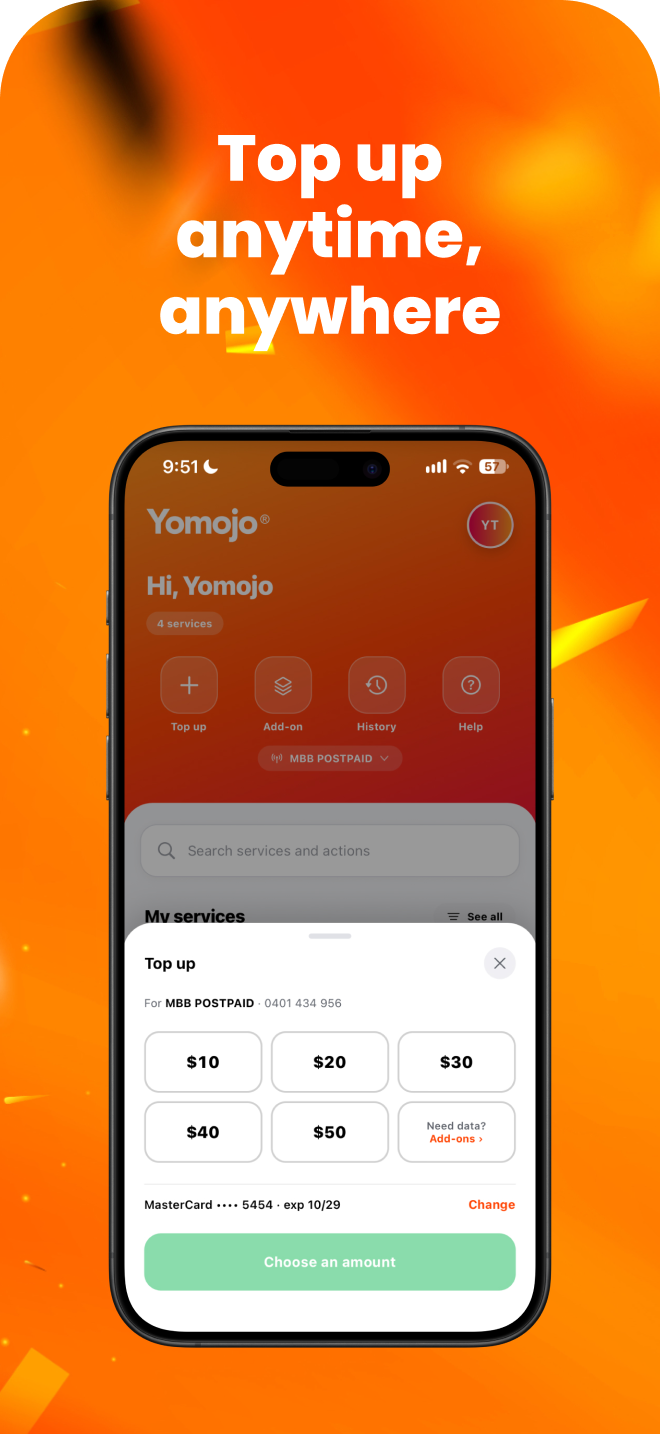
Recharge, switch plans, add data or credit.More control over your service
Order eSIM replacements, track orders, cancel services.Stronger security
Multi factor authentication on every login.
Tip: open my.yomojo.com.au on your phone and add it to your home screen for one tap access.
Why doesn't the Yomojo app show my account any more?
Why did Yomojo change platforms?
Do I need to do anything?
Do I need new login details?
How do I recharge, pay a bill or change my plan without the app?
When is the new app coming, and will it update automatically?
Will my usage and invoice history still be there?
Ready to Manage your Yomojo Account?
Log in to the dashboard now. The new Yomojo app is also available now, so you can do all of this from your phone too. Download it today and keep your account in your pocket wherever you go.