
This speed tier may suit:
Light browsing
Email and social media
Video calls
One HD stream
It can be suitable for individuals or low-usage households.
By: Yomojo Editorial Team
Posted: 02 Jul 2026
Last Updated: 15 Oct 2026
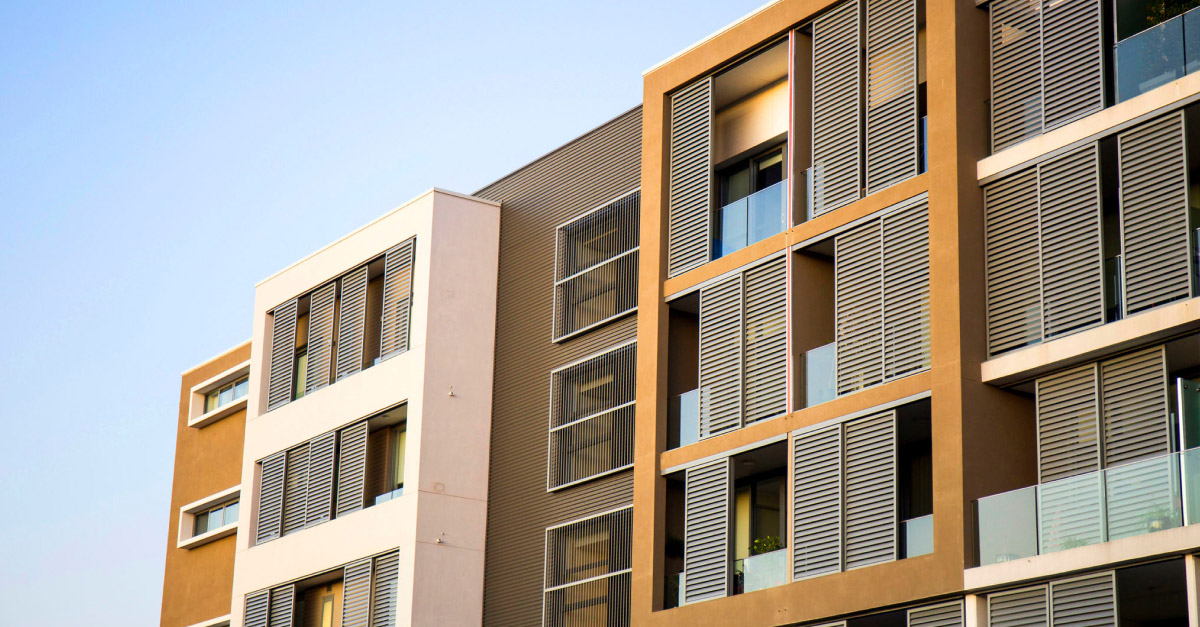
Apartment internet can sometimes feel slower than expected, even when you have a fast nbn® plan. Living in an apartment or unit comes with unique challenges that can affect your internet experience, including Wi-Fi interference from neighbouring networks, building materials that weaken signals, and multiple devices competing for bandwidth.
This guide explains how apartment internet works, what nbn® speed may suit your household, how to improve Wi-Fi coverage, and what to consider when choosing among available nbn® plans.
Whether you live alone, share with housemates, or work from home, understanding these factors can help you improve your internet performance.
Apartment internet is often affected by the surrounding environment more than internet in standalone houses.
Common factors include:
Multiple neighbouring Wi-Fi networks operating nearby
Shared walls and floors that weaken wireless signals
Dense building layouts that increase wireless congestion
More connected devices within a small area
Peak-time slowdowns during evenings
In apartment buildings, many routers may operate close together, which can create interference and reduce Wi-Fi performance.
Wi-Fi performance can also be affected by signal overlap and congestion, especially in high-density residential buildings.
Choosing the right speed depends on how many people use the connection and what activities you do online.
For a full breakdown of speed tiers, you can refer to the nbn® speed tiers guide: What nbn® Speed Tiers Mean.

This speed tier may suit:
Light browsing
Email and social media
Video calls
One HD stream
It can be suitable for individuals or low-usage households.

For many apartment households, nbn® 50 is often a suitable choice.
It supports:
Couples or small households
HD streaming
Working from home
Multiple connected devices
According to nbn® Co, mid-tier residential plans are designed for typical household usage with several active devices at once.

This speed tier may suit:
Housemates sharing a connection
Online gaming
Multiple 4K streams
Large downloads
Heavy video conferencing
If several people regularly use the internet at the same time, a higher speed tier may help maintain more consistent performance.
You can explore available home nbn® plans if you are considering faster options.
Even with a good nbn® plan, Wi-Fi performance can still feel inconsistent in apartments.
Many apartments have multiple Wi-Fi networks operating close together, which can cause signal overlap.
Concrete walls, metal structures and thick floors can reduce Wi-Fi signal strength.
Evening peak times often lead to slower speeds as more residents go online.
Routers placed in cupboards or corners may struggle to distribute signal evenly.
Your modem or router setup can have a major impact on performance.

Try to position it:
In a central location
Off the floor
Away from thick walls and appliances
You can explore suitable nbn® modems for home use.

Dual-band routers offer:
2.4GHz for wider coverage
5GHz for faster speeds
Switching between bands can improve performance depending on distance and usage.

Wi-Fi 6 routers are designed to handle more devices and perform better in crowded environments, making them useful in apartments.

If your apartment is large or has multiple rooms with weak signal areas, a mesh Wi-Fi system may improve coverage.
For more details, see the nbn® modem guide: What Modem Do You Need for nbn®?
Apartment internet is often used for streaming and gaming, which can be affected by network conditions.
Streaming issues may occur when:
Multiple people stream at once
Wi-Fi is affected by interference
The speed tier is too low for demand
You can explore more about streaming needs here: Best nbn® Plans for Streaming
Gaming performance can be affected by:
Latency on Wi-Fi connections
Shared household usage
Distance from router
A wired Ethernet connection can help reduce lag.
More details here: Best nbn® Plans for Gamers
Yes. The type of nbn® technology in your building can affect performance.
Typically supports the highest speeds and most consistent performance.
Common in apartments and generally provides good performance.
Performance may vary depending on distance and line quality.
More details here: The Complete Guide to nbn® Technology Types (FTTP, FTTN, HFC, FTTC, Fixed Wireless)
Before changing your plan, try improving your Wi-Fi setup:
Move your modem to a central location
Switch between 2.4GHz and 5GHz bands
Use Ethernet for gaming or work devices
Reduce interference from other devices
Upgrade your router if it is older
For equipment options, see: nbn® modems
Choosing the best nbn® plan for an apartment depends on your household size, usage habits and building environment.
While speed is important, apartment internet performance is also influenced by:
Wi-Fi interference
Building structure
Modem placement
Number of connected devices
Type of nbn® technology
For many households, nbn® 50 is a balanced choice, while larger or high-usage apartments may benefit from faster plans.
To compare options, explore Yomojo and its nbn® home internet plans to find a connection that suits your apartment's internet needs, household size and budget.
Apartment internet can sometimes feel slower than expected, even when you have a fast nbn® plan. Living in an apartment or unit comes with unique challenges that can affect your internet experience, including Wi-Fi interference from neighbouring networks, building materials that weaken signals, and multiple devices competing for bandwidth.
This guide explains how apartment internet works, what nbn® speed may suit your household, how to improve Wi-Fi coverage, and what to consider when choosing among available nbn® plans.
Whether you live alone, share with housemates, or work from home, understanding these factors can help you improve your internet performance.
Apartment internet is often affected by the surrounding environment more than internet in standalone houses.
Common factors include:
Multiple neighbouring Wi-Fi networks operating nearby
Shared walls and floors that weaken wireless signals
Dense building layouts that increase wireless congestion
More connected devices within a small area
Peak-time slowdowns during evenings
In apartment buildings, many routers may operate close together, which can create interference and reduce Wi-Fi performance.
Wi-Fi performance can also be affected by signal overlap and congestion, especially in high-density residential buildings.
Choosing the right speed depends on how many people use the connection and what activities you do online.
For a full breakdown of speed tiers, you can refer to the nbn® speed tiers guide: What nbn® Speed Tiers Mean.
Even with a good nbn® plan, Wi-Fi performance can still feel inconsistent in apartments.
Many apartments have multiple Wi-Fi networks operating close together, which can cause signal overlap.
Concrete walls, metal structures and thick floors can reduce Wi-Fi signal strength.
Evening peak times often lead to slower speeds as more residents go online.
Routers placed in cupboards or corners may struggle to distribute signal evenly.
Apartment internet is often used for streaming and gaming, which can be affected by network conditions.
Streaming issues may occur when:
Multiple people stream at once
Wi-Fi is affected by interference
The speed tier is too low for demand
You can explore more about streaming needs here: Best nbn® Plans for Streaming
Gaming performance can be affected by:
Latency on Wi-Fi connections
Shared household usage
Distance from router
A wired Ethernet connection can help reduce lag.
More details here: Best nbn® Plans for Gamers
Yes. The type of nbn® technology in your building can affect performance.
Typically supports the highest speeds and most consistent performance.
Common in apartments and generally provides good performance.
Performance may vary depending on distance and line quality.
More details here: The Complete Guide to nbn® Technology Types (FTTP, FTTN, HFC, FTTC, Fixed Wireless)
Before changing your plan, try improving your Wi-Fi setup:
Move your modem to a central location
Switch between 2.4GHz and 5GHz bands
Use Ethernet for gaming or work devices
Reduce interference from other devices
Upgrade your router if it is older
For equipment options, see: nbn® modems
Shared apartments often require more bandwidth due to multiple users.
Common usage includes:
Streaming on multiple devices
Online gaming
Video calls
Downloads and updates
In these cases, higher speed tiers may provide a more stable experience.
Related reading: Best nbn® Plans for Large Families
Choosing the best nbn® plan for an apartment depends on your household size, usage habits and building environment.
While speed is important, apartment internet performance is also influenced by:
Wi-Fi interference
Building structure
Modem placement
Number of connected devices
Type of nbn® technology
For many households, nbn® 50 is a balanced choice, while larger or high-usage apartments may benefit from faster plans.
To compare options, explore Yomojo and its nbn® home internet plans to find a connection that suits your apartment's internet needs, household size and budget.