yomojo logo

How to Test Your nbn® Speed Properly

By: Riza

Posted: 26 May 2026

Last Updated: 26 May 2026

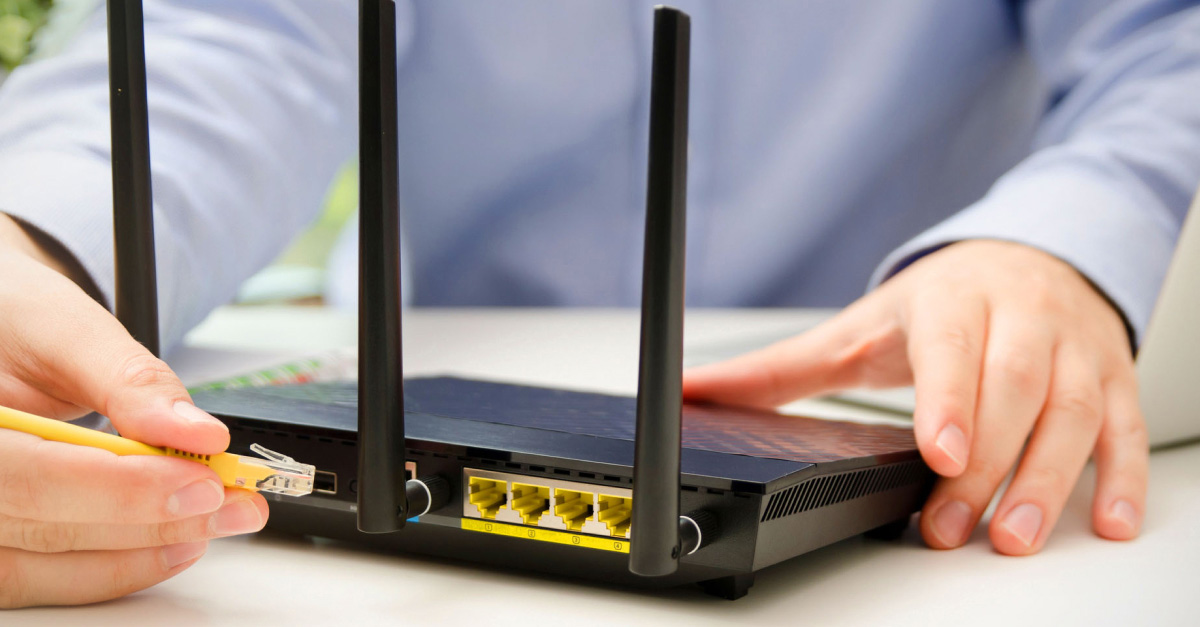
Sample image

Running a speed test is the easiest way to check your nbn® performance, but many people do it incorrectly. 

A speed test can quickly show whether your connection is performing as expected, but inaccurate testing methods often lead to misleading results. Before assuming your internet, provider is the issue, it is important to understand how to test your connection properly and what the results mean. 

If you are comparing different nbn® plans or checking whether you need faster speeds at home, following the right testing process makes a big difference. 

What Is an nbn® Speed Test?

A speed test measure how quickly data moves between your device and the internet. It usually checks three main things: 

  • Download speed  

  • Upload speed  

  • Latency (ping)  

These are typically measured in Mbps (megabits per second) and milliseconds for ping. 

Download speed
Download speed

measures how fast your connection receives data from the internet. This affects activities like: 

  • Streaming Netflix or YouTube  

  • Downloading files  

  • Browsing websites  

  • Downloading game updates 


Higher download speeds generally mean smoother streaming and faster loading times

Upload speed
Upload speed

measures how quickly your device sends data online. This matters for: 

  • Video calls  

  • Uploading files  

  • Cloud backups  

  • Livestreaming  


Households with multiple people working remotely often need stronger upload performance. 


Latency (Ping)
Latency (Ping)

measures response time between your device and server. Lower latency is important for: 

  • Online gaming  

  • Video conferencing  

  • VoIP calls  

  • Real-time applications  

A lower ping usually means a more responsive connection.

Why Your Speed Test Might Be Inaccurate

Many users run a speed test without realising outside factors can heavily affect the results. 

Testing Over Wi-Fi 

Wi-Fi is convenient, but it introduces interference, signal loss, and congestion. Walls, furniture, and distance from the router can reduce speeds significantly. 

Background Downloads 

Software updates, streaming services, cloud syncing, or gaming downloads running in the background consume bandwidth and affect test accuracy. 

Peak Hour Congestion 

Internet speeds can fluctuate during busy evening periods when more households are online. This is especially common between 7 pm and 11 pm. 
 
According to the
Australian Competition and Consumer Commission (ACCC), broadband speeds can vary during busy evening periods when more households are online. 

Older Hardware 

Outdated routers or incompatible equipment may not support higher speed tiers. In some cases, the issue is hardware rather than the internet plan itself. 

You can learn more about compatible hardware and setup options on Yomojo's nbn® modem page

How to Test Your nbn® Speed Properly (Step-by-Step)

Step 1: Use a Reliable Speed Test Tool 

Choose a trusted speed testing website or app, such as Speedtest.net. Reliable tools typically connect to nearby servers and provide consistent measurements. 

For best results: 

  • Use the same testing tool each time  

  • Close unnecessary browser tabs  

  • Restart your modem beforehand if needed  

Consistency helps you compare results more accurately over time.

Step 2: Connect via Ethernet 

A wired Ethernet connection provides the most accurate speed of test results. 

Wi-Fi performance can vary depending on: 

  • Router placement  

  • Device capability  

  • Signal interference  

  • Household congestion  

Connecting directly to your modem or router removes many of these variables and gives a clearer picture of your actual internet performance.

Step 3: Disconnect Other Devices 

Every connected device shares available bandwidth. 

Before testing: 

  • Pause streaming services  

  • Stop downloads  

  • Disconnect unused devices  

  • Close cloud backup software  

This ensures your speed test reflects your connection rather than overall household usage.

Step 4: Test at Different Times 

Internet performance changes throughout the day. 

Run multiple tests: 

  • Morning  

  • Afternoon  

  • Evening peak hours  

This helps identify whether congestion is affecting your speeds during busy periods. Consistent slow speeds across all times may indicate a plan limitation, hardware issue, or network problem.

Step 5: Compare Results 

One speed test alone does not tell the full story. 

Instead: 

  • Run several tests over multiple days  

  • Compare averages  

  • Look for patterns  

If results regularly fall well below expected speeds, it may be worth reviewing your current setup or exploring faster nbn® plans

Does Your nbn® Technology Affect Speed Results?

Yes. Your nbn® technology type can significantly affect achievable speeds. 

Different technologies include: 

  • FTTP (Fibre to the Premises)  

  • FTTN (Fibre to the Node)  

  • HFC (Hybrid Fibre Coaxial)  

  • FTTC (Fibre to the Curb)  

Some technologies support higher and more stable speeds than others. 

Different nbn® technologies can affect the speed and stability available at your address. You can learn more about how each technology works on the official nbn® network technology guide or Yomojo’s guide to nbn® technology types

When to Upgrade Your nbn® Plan

You may benefit from upgrading if: 

  • Video calls regularly lag  

  • Streaming buffers often  

  • Multiple users share the connection  

  • Speeds consistently fall short of household needs  

Comparing current usage against your speed tier helps determine whether an upgrade makes sense. 

Yomojo’s nbn® plans page provides options for different household sizes and internet needs, while the nbn® pricing guide explains what affects plan costs. 

Summary: Testing Your nbn® Speed the Right Way

Testing your nbn® speed properly helps you understand whether your connection is performing as expected. 

For the most accurate results: 

  • Use a reliable testing tool  

  • Test via Ethernet  

  • Disconnect unused devices  

  • Compare results across different times  

Understanding download speed, upload speed, and latency also makes it easier to identify whether the issue is your setup, hardware, or current plan. 

If your household has outgrown its current connection, exploring Yomojo’s nbn® plans could help improve your internet speed and reliability.